Make Your Website Accessible to Everyone
Add our free accessibility widget to your website and empower all users to navigate, read, and interact with your content effortlessly.
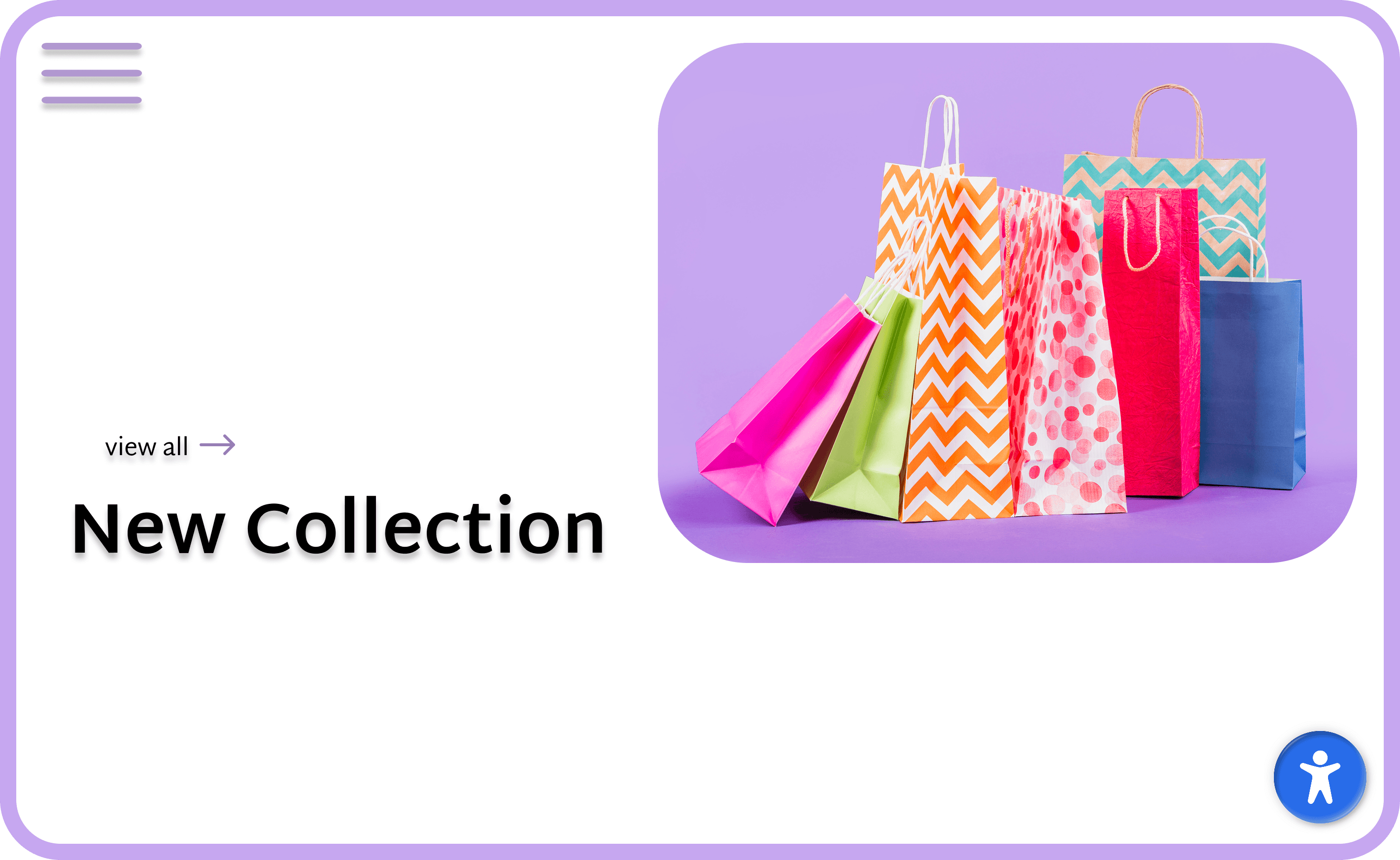
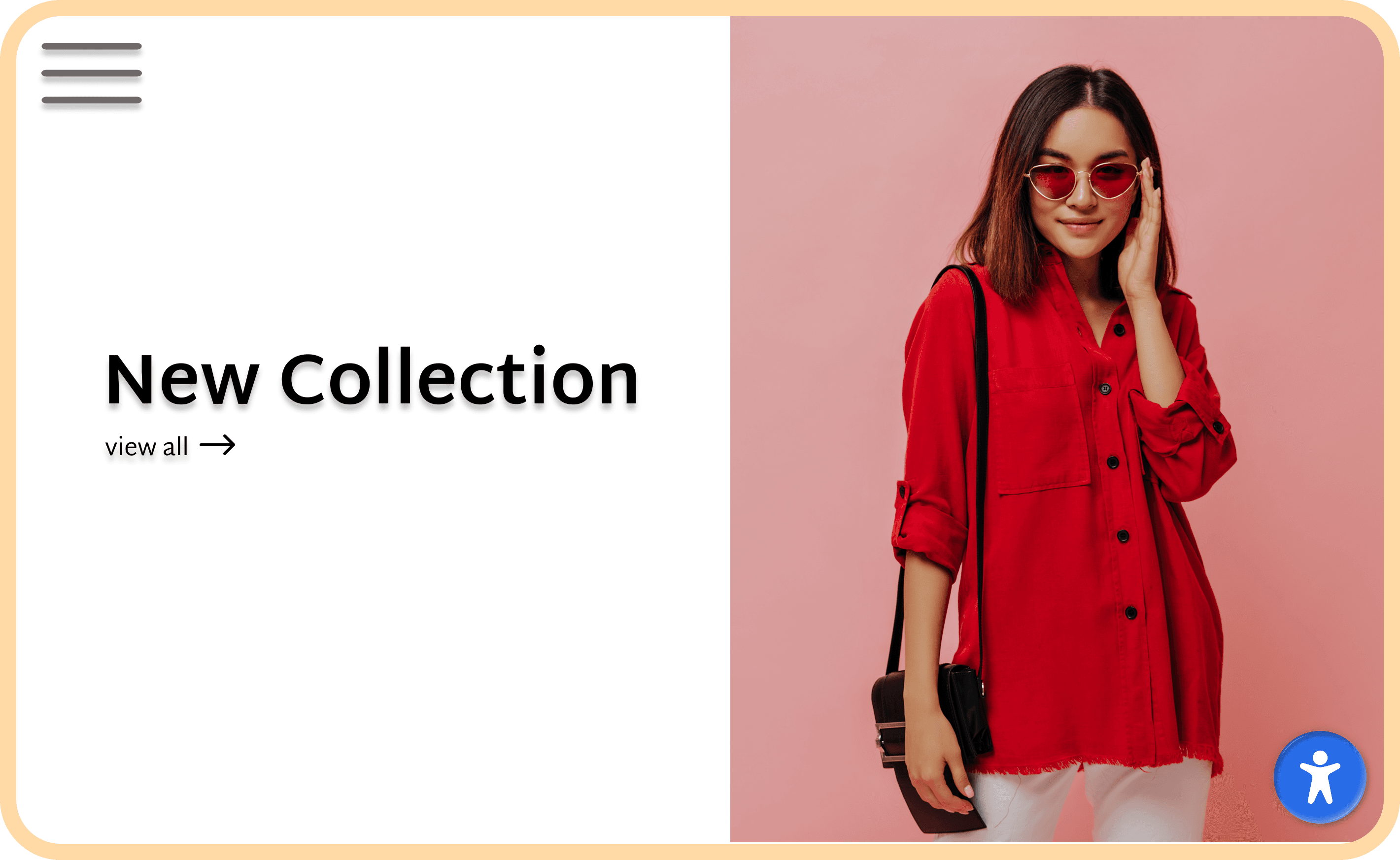
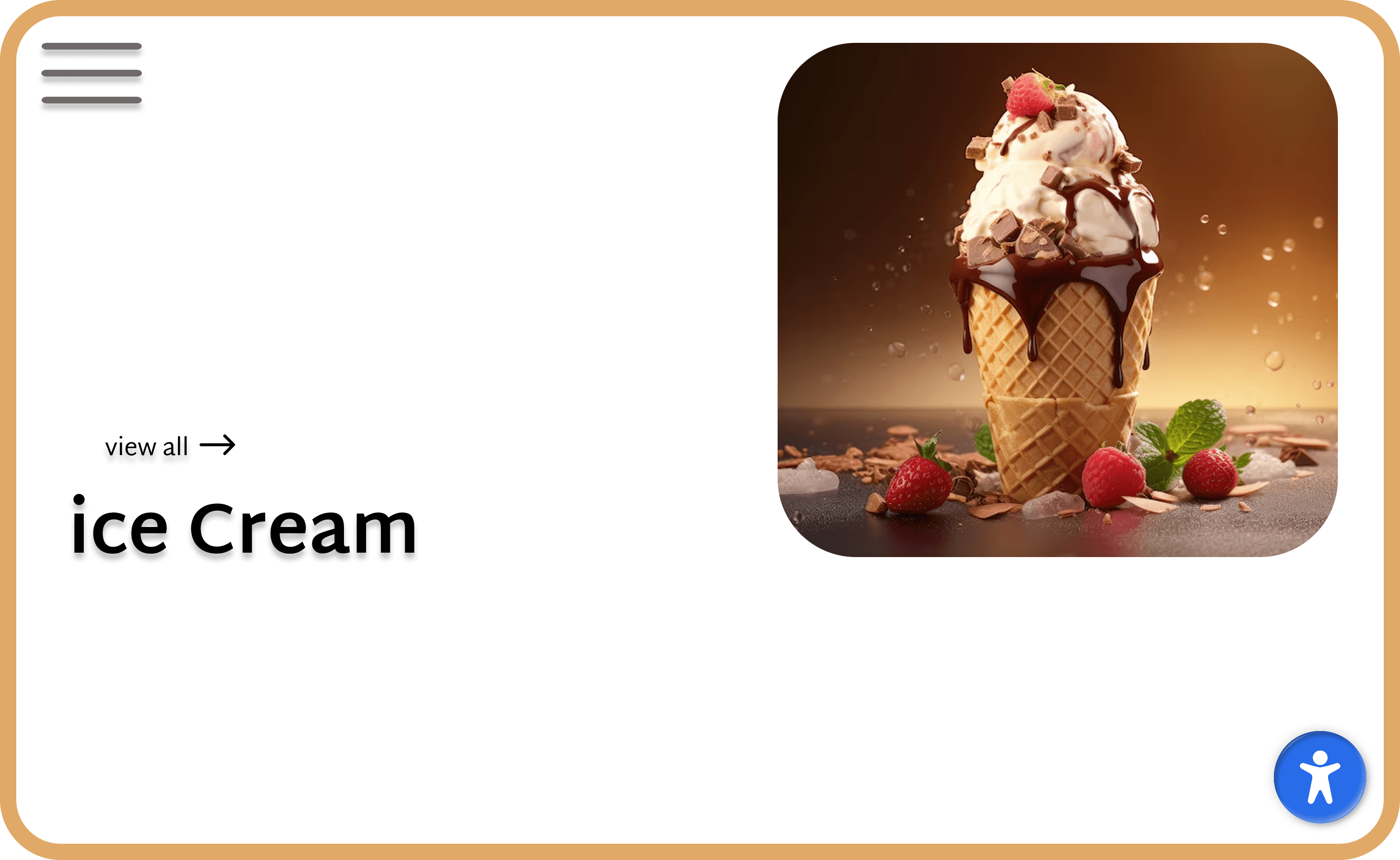
20+ Features
Our main features
Enlarge content
Enlarge cursor or add bigger text for your website visitors.
Make the site readable
Add reading line, tooltips and make fonts readable.
Adjust colors
Change brightness, contrast and grayscale.
Fast install
Our Shopify and WordPress apps take less than a minute to install!
Helps users
App is designed to assist with meeting certain requirements of WCAG 2.1.
Text to voice
Our created robot will read the content of page to your visitors.
Easy Integration
Add Widget to Your Site
Make your website accessible in seconds. Simply copy the script below and paste it into your website's HTML, just before the closing </body> tag.
index.html
<!-- Add this script before closing </body> tag -->
<script
  src="https://widget-v1.useraccess.live/"
  data-asw-lang="en"
  data-asw-position="bottom-right"
  data-asw-icon-type="m-full"
></script>
Frequently Asked Questions
Have questions about our accessibility widget? Here are some of the most commonly asked ones.
UserAccess is a privacy-by-design company. The Widget does not collect any personally identifiable information or cookies. UserAccess can also be excluded from your privacy policy. You can read more at useraccess.live/privacy.
The integration process is very easy and usually takes just a few minutes. You'll just need to add the embed code as the first line in the <head> tag of your HTML. You can also add it into the footer tag, if you prefer. The embed code can be found under your Dashboard.
UserAccess's AI-Powered Widget is constantly updated to the highest WCAG standards, like the recently released WCAG 2.2.
The Widget is designed to adapt and personalize the web experience. It does not introduce permanent modifications to a website's design. For website users who select Widget options for high contrast or any other color modification, that color view only appears for them.